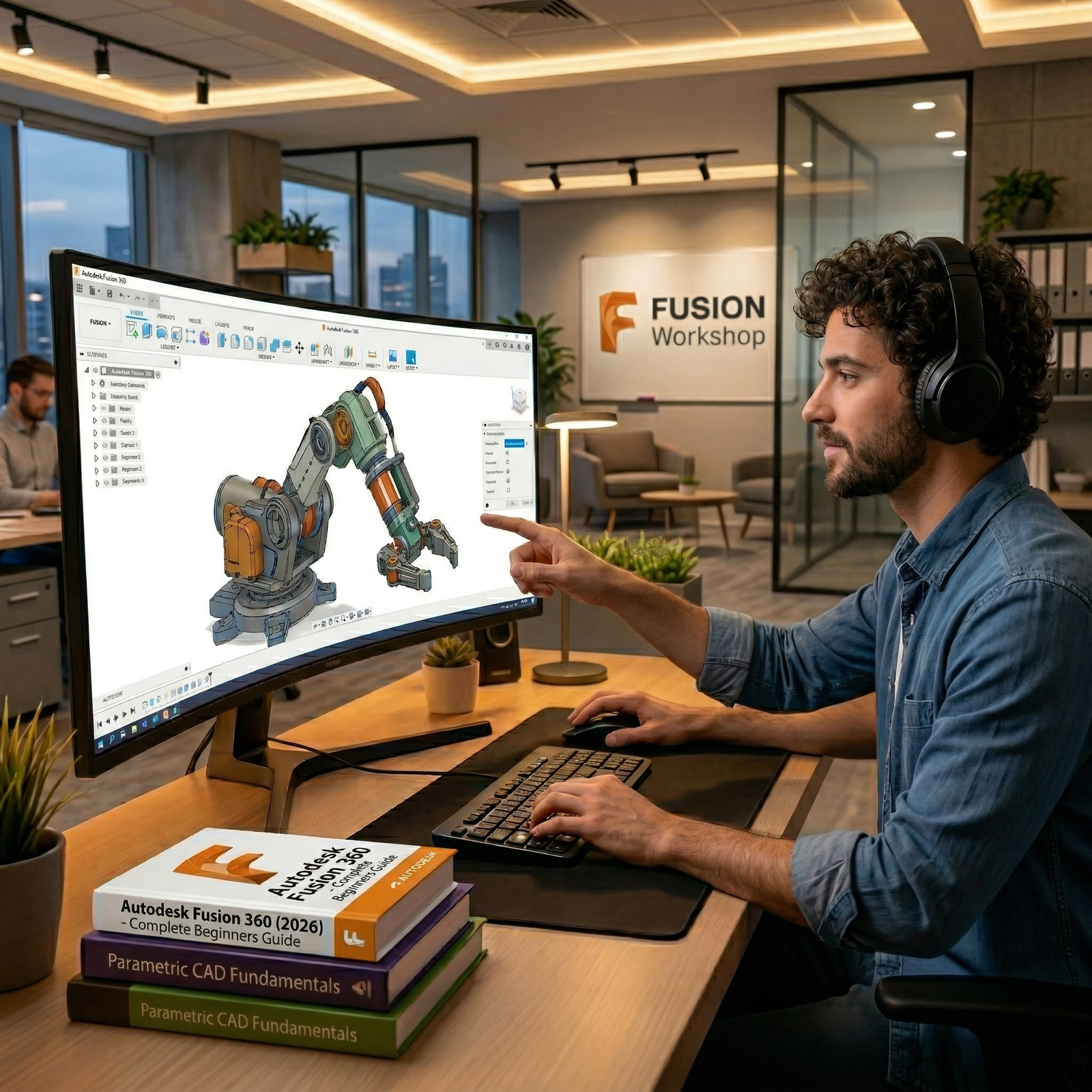


Whether you have zero CAD experience or you are transitioning from other design software, this course is designed to take you from an absolute beginner to a confident 3D designer ready for the modern manufacturing industry.
At IMM LLC, we believe in learning by designing real-world projects. This course features high-quality, step-by-step video tutorials and hands-on modeling exercises. Throughout the program, you will build a professional portfolio of fully-fledged 3D models, mechanical assemblies, and functional parts to show off to potential employers or clients.
You will learn the latest 2025 tools, interface updates, and technologies used by top-tier engineers and industrial designers. By the end of this course, you will be fluently navigating Fusion 360 and ready to bring any physical product you can dream of to life.
Complete 3D Modeling Proficiency: Master both 2D sketching and 3D solid modeling techniques from the ground up.
Parametric Design: Build dynamic, easily modifiable designs using constraints, dimensions, and user parameters.
Assemblies & Joints: Architect robust mechanical systems by connecting components with functional joints and motion limits.
Rendering & Visualization: Step into product presentation by learning how to apply materials, lighting, and create photorealistic renders.
Manufacturing & 3D Printing: Master the workflow for exporting designs for 3D printing (STL/3MF format) and basic CAM strategies.
Career Readiness: Build a variety of real-world projects, completely preparing you to design your own products, work as a freelance 3D artist, or apply for CAD drafting roles.
The Fusion 360 Interface: Navigating the updated 2025 workspace, tools, and the timeline feature.
Sketching Basics: Drawing lines, circles, arcs, splines, and polygons.
Constraints & Dimensions: Applying geometric rules (tangent, equal, parallel) to create fully defined, error-free sketches.
Creating 3D Bodies: Mastering the Extrude, Revolve, Sweep, and Loft commands.
Modifying Features: Applying fillets, chamfers, shells, and draft angles to refine parts.
Patterning: Using rectangular, circular, and path patterns to streamline your workflow and save time.
Components vs. Bodies: Understanding top-down design structure and proper file organization.
Mechanical Joints: Implementing rigid, revolute, slider, and cylindrical joints.
Motion Studies: Animating mechanical interactions and checking for physical interference.
Appearances & Materials: Applying realistic textures and physical properties to your models.
Environment Setup: Adjusting lighting, adding decals, and configuring scene settings.
Exporting for Production: Preparing files for 3D printing and creating standard 2D engineering drawings.
At IMM LLC, we know that mastering CAD requires more than just knowing what the buttons do. That's why our curriculum focuses on design intent and engineering best practices. We provide a structured path filled with modelling challenges and real-world projects—giving you the exact experience of an expensive in-person engineering bootcamp, right at your fingertips.
Enroll today with IMM LLC and start bringing your 3D ideas to life!

No review given yet!
 Fast Delivery On Email
 Safe Payment
 7 Days Refund Policy
 100% Authentic Products












You need to Sign in to view this feature

This address will be removed from this list
 english